Your business overview, at a glance.
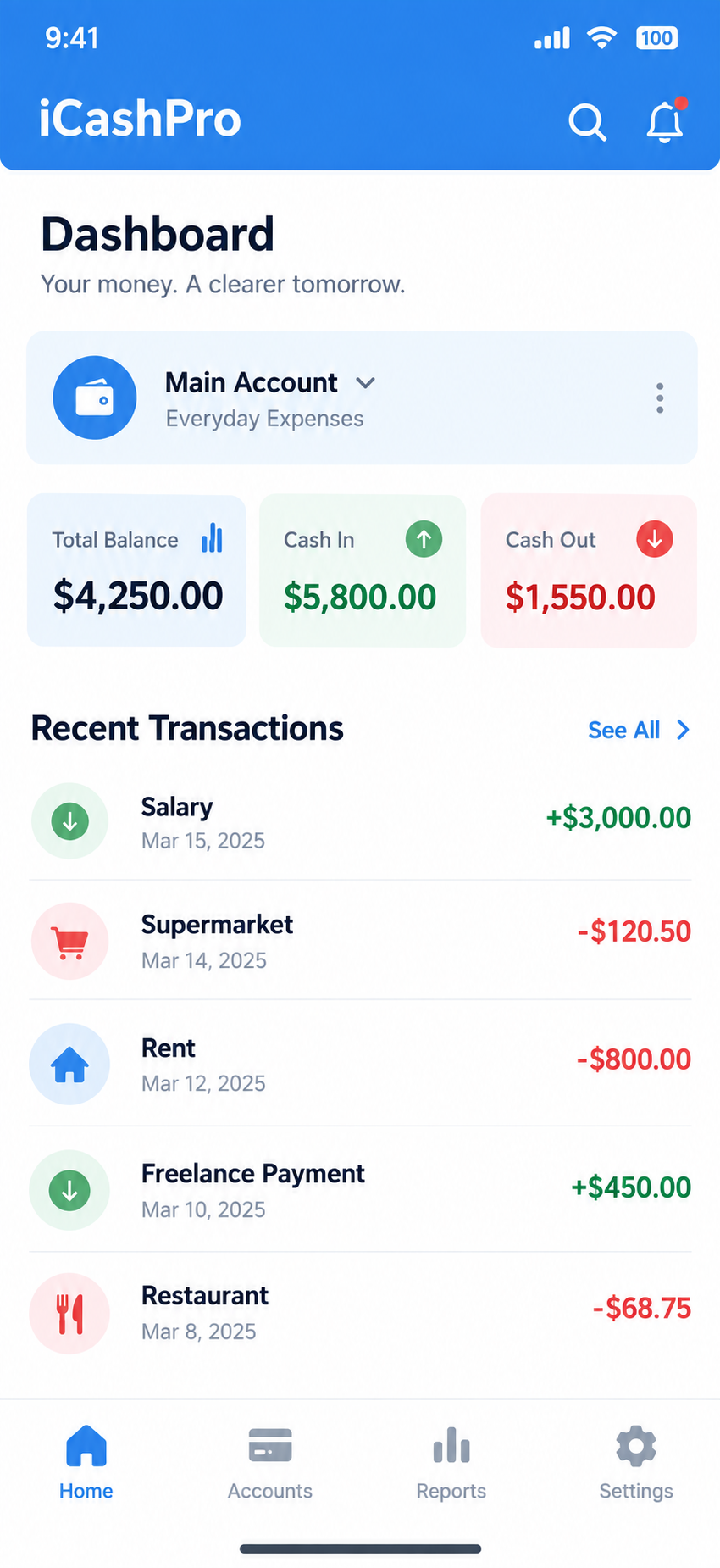
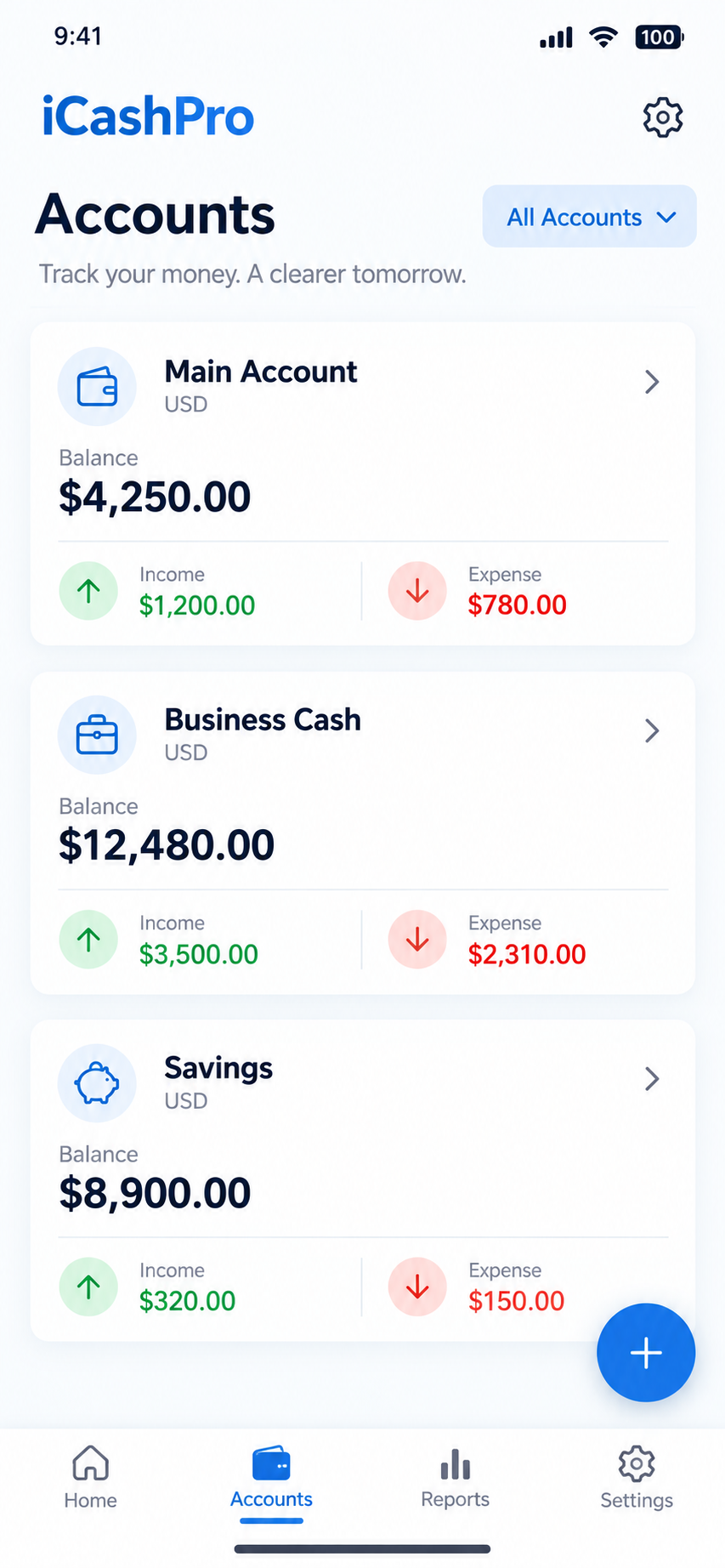
Use the dashboard to review business structure, account summaries and the active reporting period.
 iCashPro
Cashbook clarity for everyday business
Organise cash in, cash out, accounts, transactions and permission-based team access in one focused iCashPro experience.
Built around the work you do
Use the dashboard to review business structure, account summaries and the active reporting period.
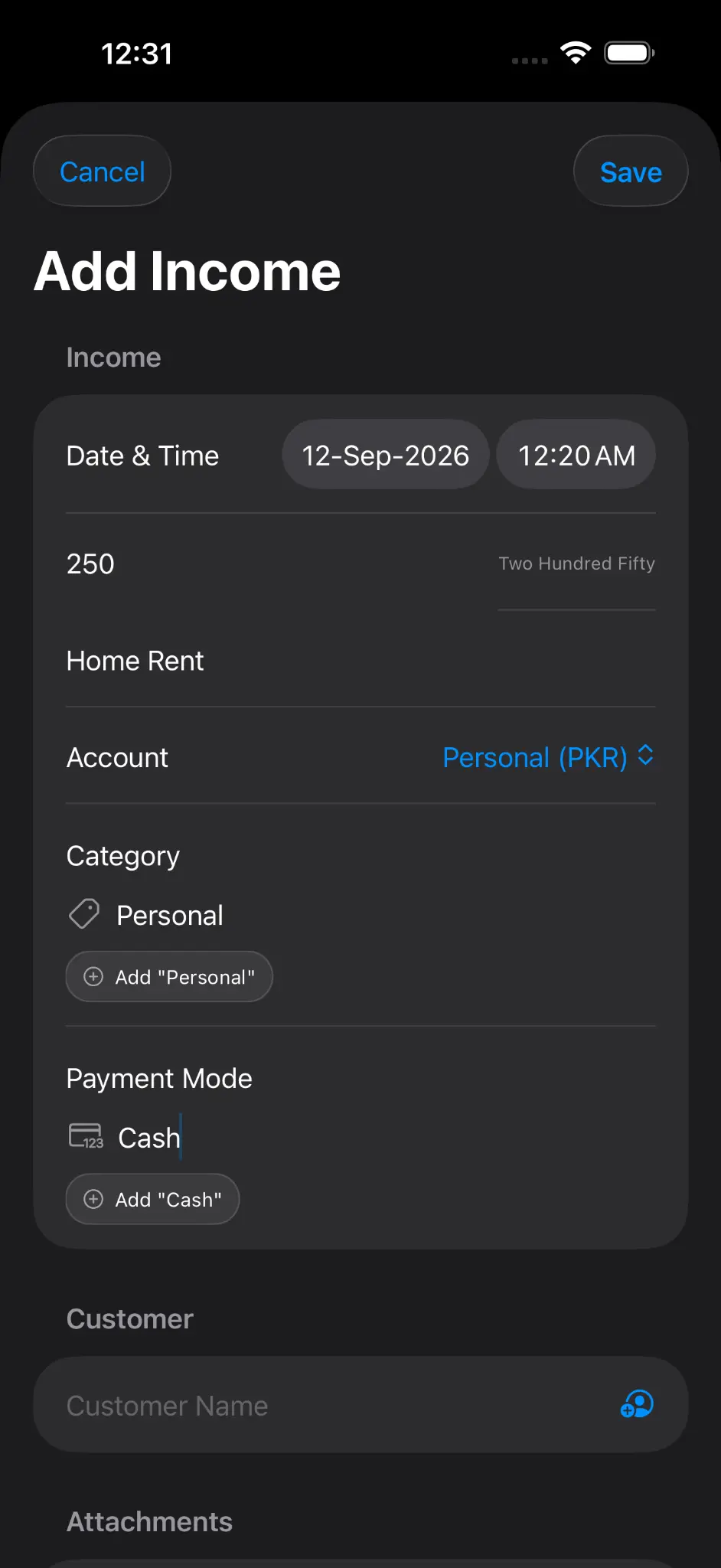
Add the amount, account, category, payment mode and other supported information in one flow.
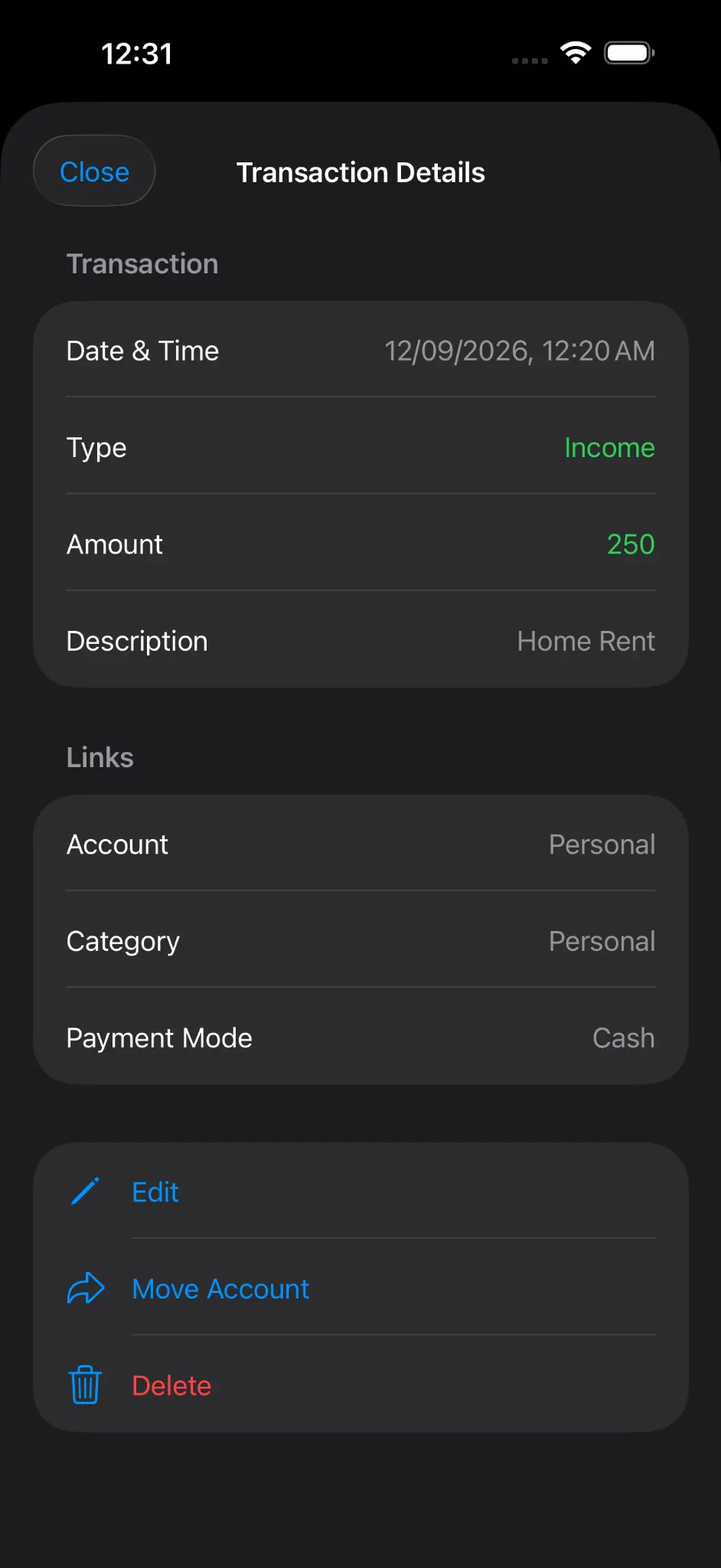
See the date, type, amount, description and linked classification before editing, moving or deleting.
Edit an account, open Access Rules or invite a member from the account action menu.
Assign a supported member role and review the permissions before sending an invitation.
Approval requests and invitations appear in the Notifications screen when available.
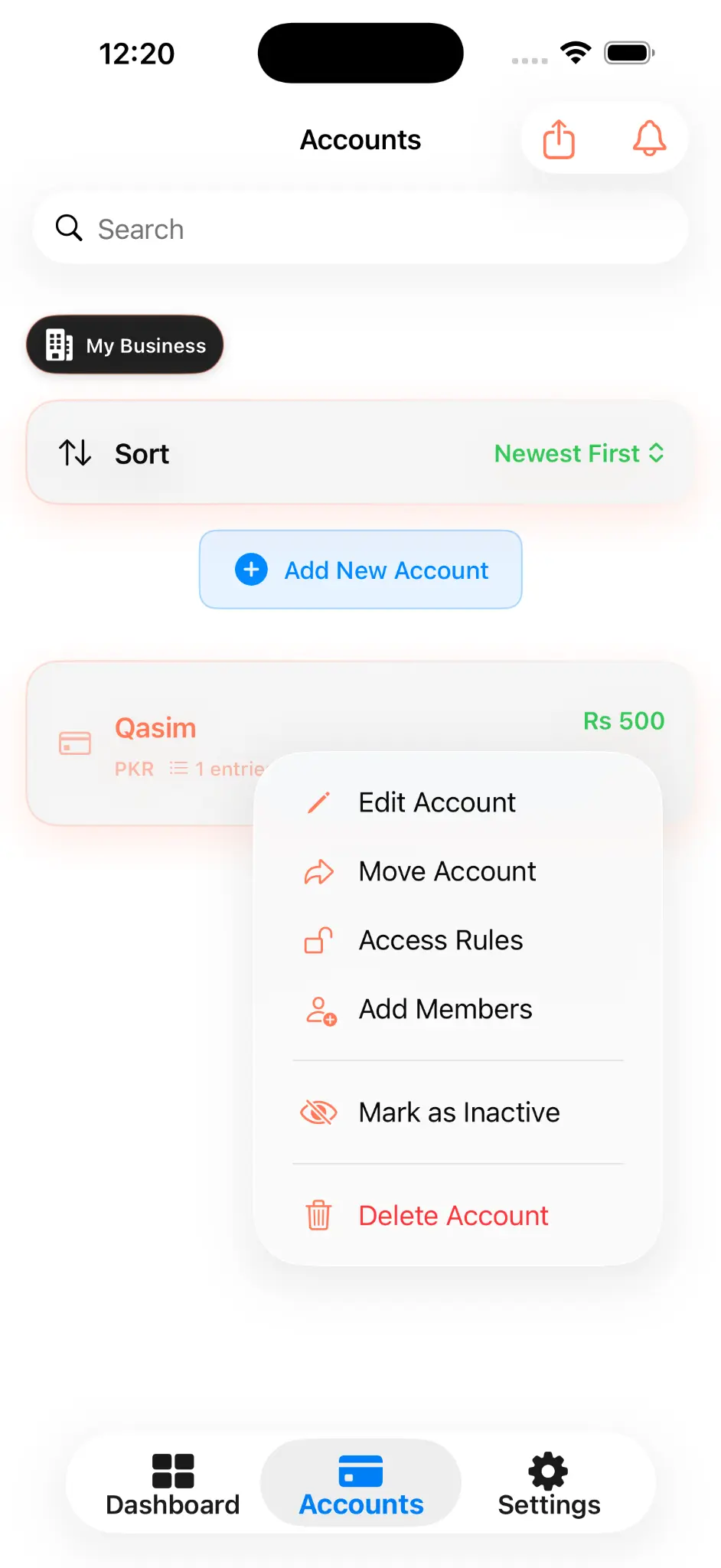
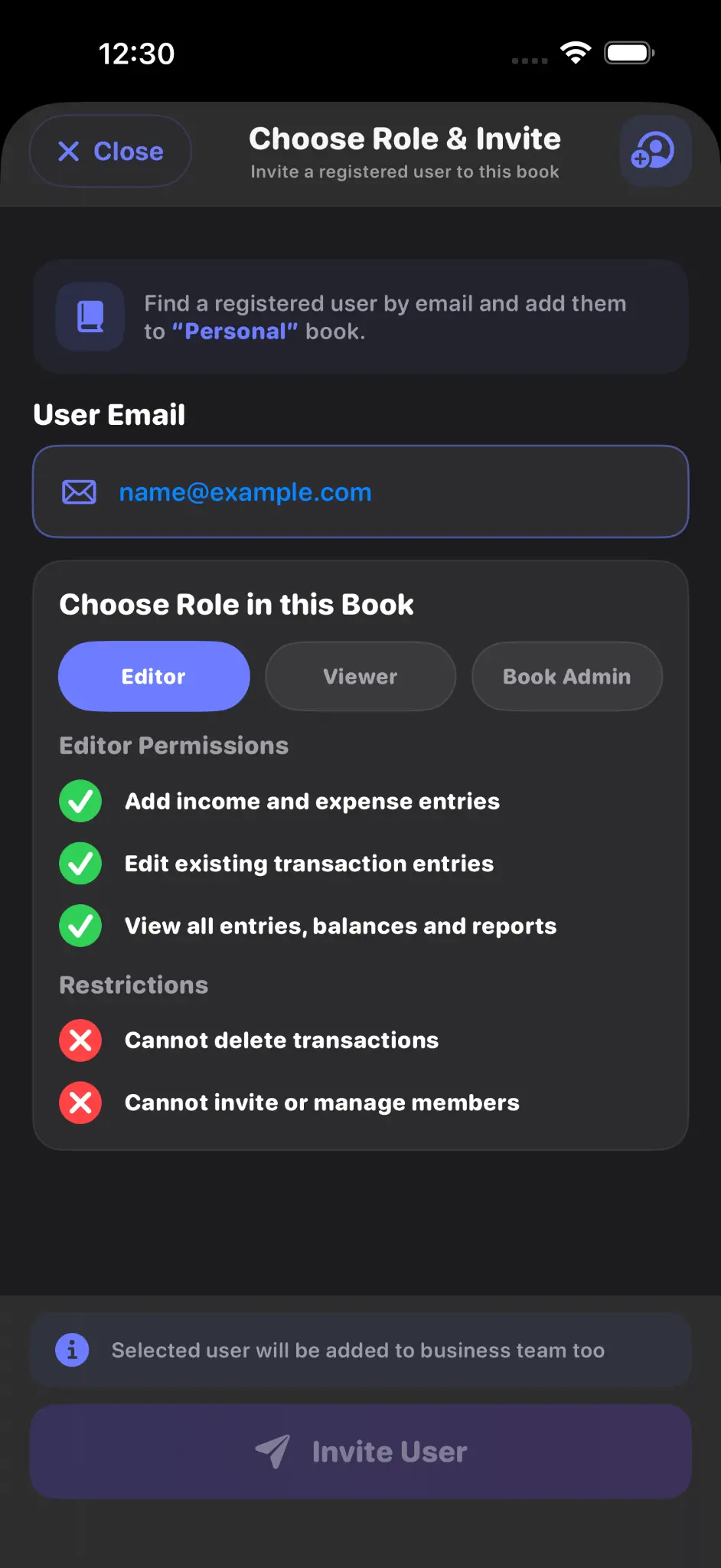
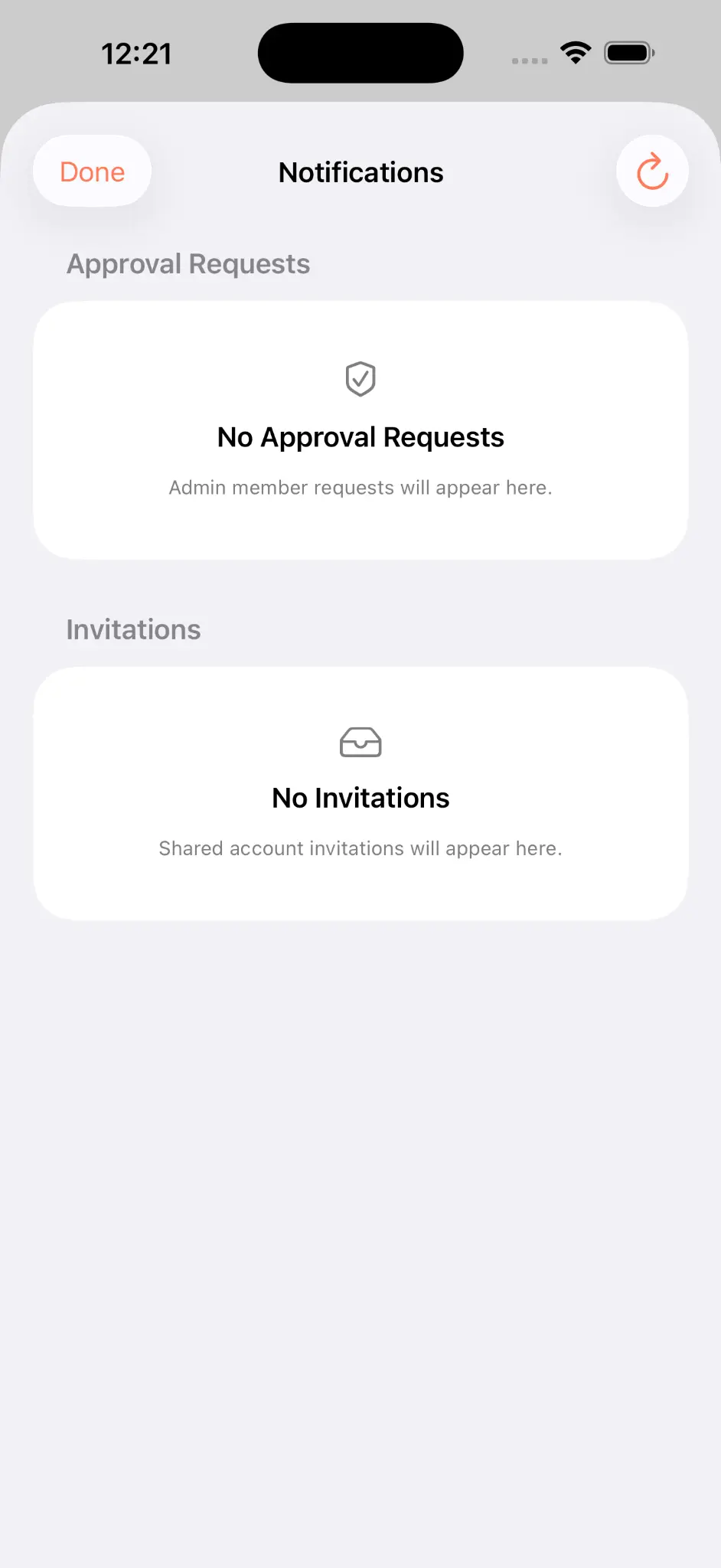
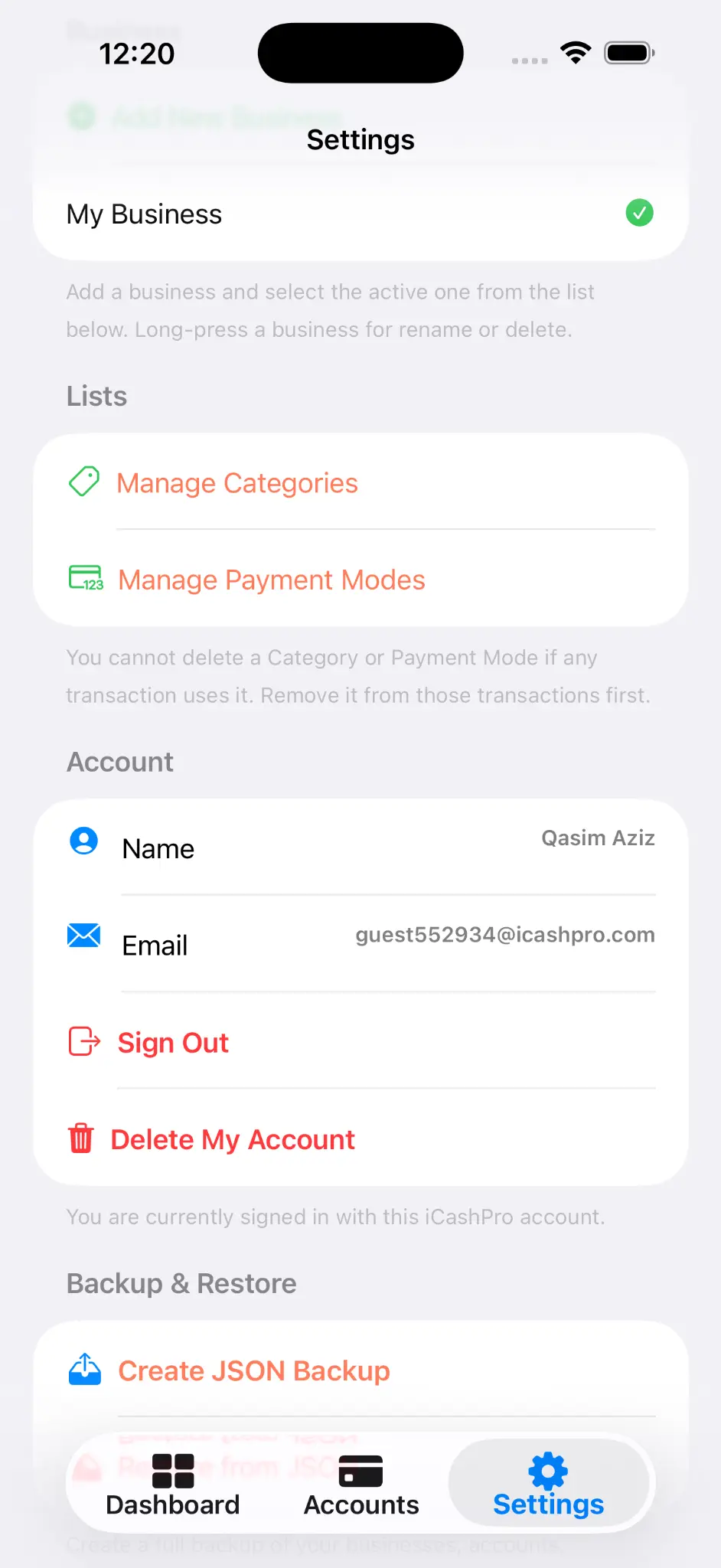
These captures show the current iPhone experience for account access, settings, sharing and notifications. Android remains supported without substituting an iPhone screen into an Android frame.
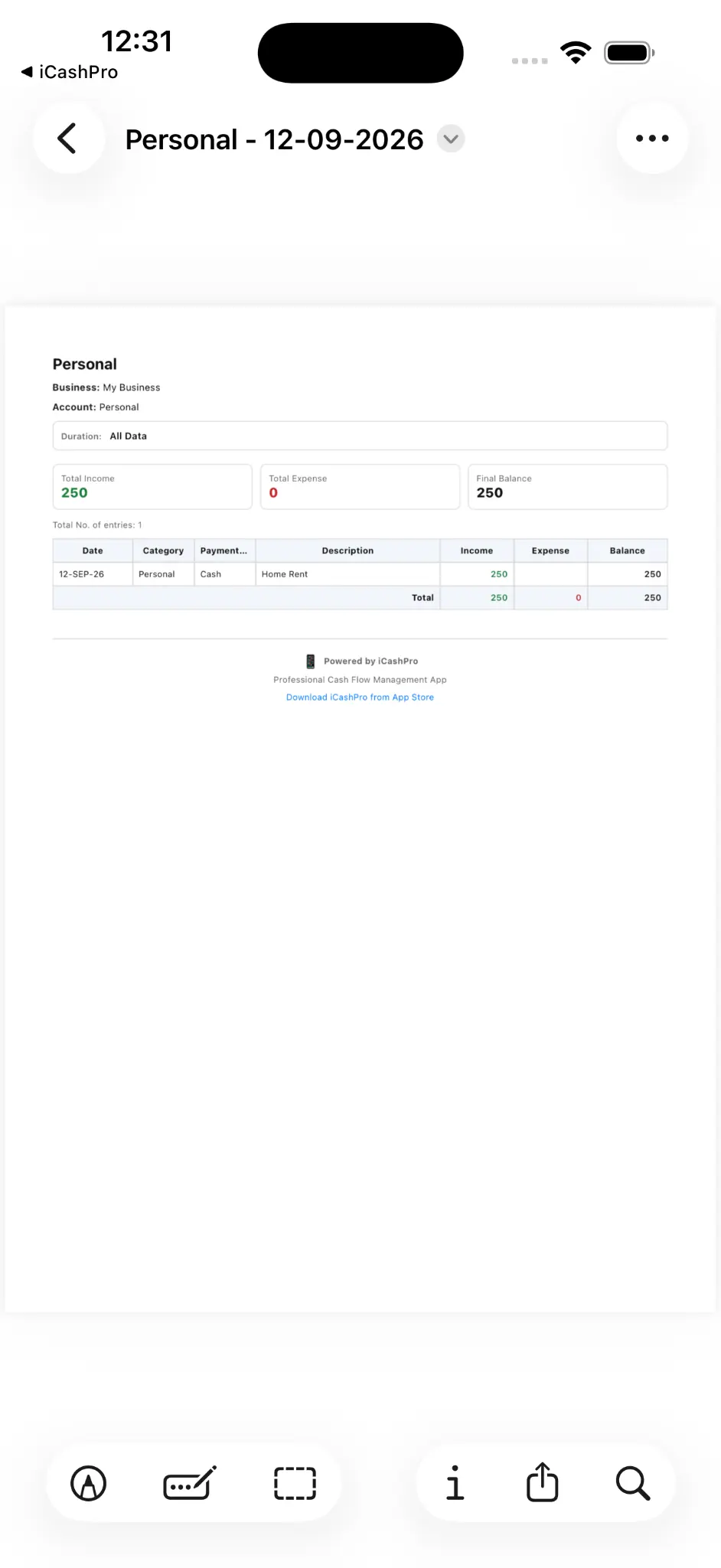
iCashPro records the financial information you enter. It is not a bank, payment service or financial adviser.
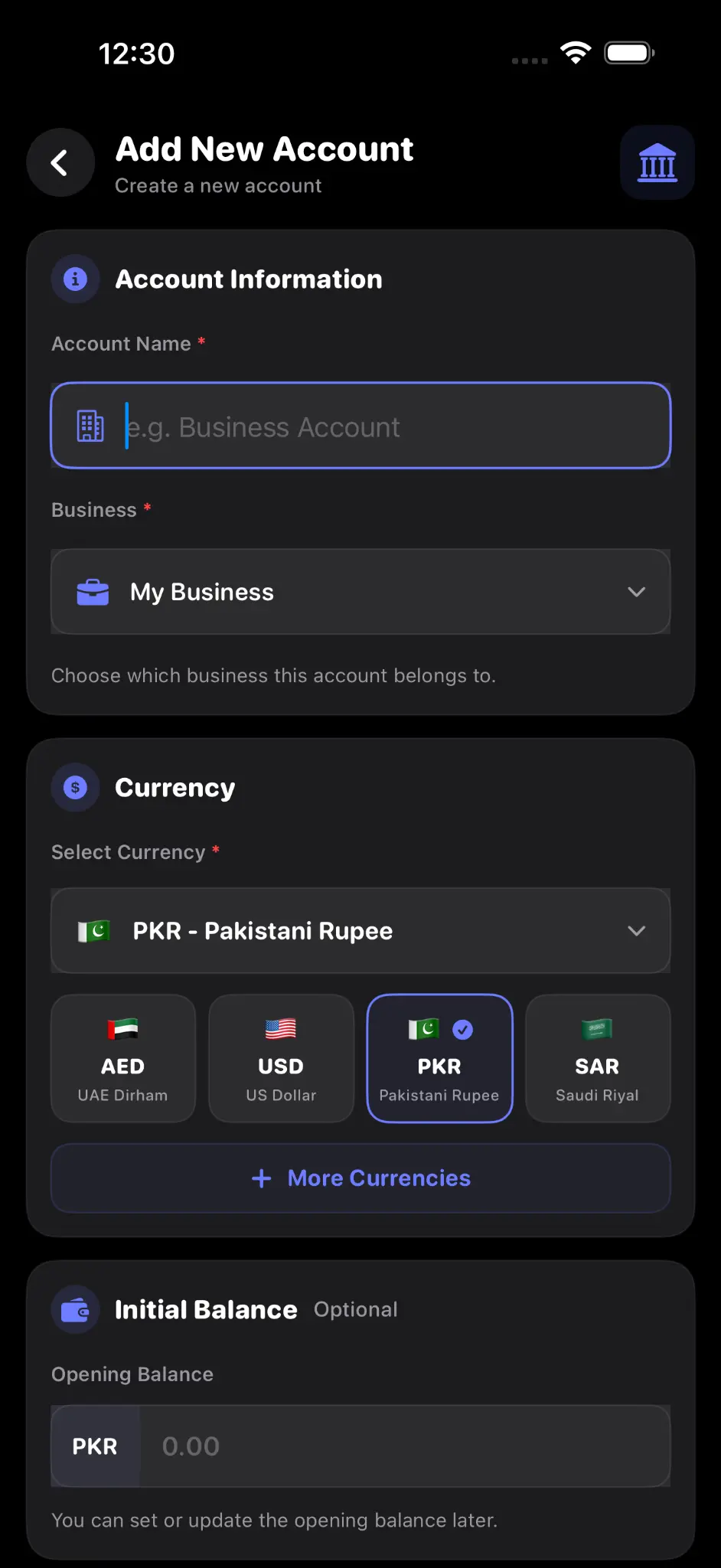
Create the structure you need, set currencies and opening balances, then follow the account total as records change.
Capture income and expenses with useful transaction details.
Invite registered users and manage account access through Owner, Admin, Editor and Viewer roles.
Move from broad account summaries to the date range or record you need.
Create JSON backups and restore compatible iCashPro data when required.
Open backup guide →Choose a supported sign-in method.
Add a business and account.
Add cash in or cash out.
Filter records and invite members.
iCashPro uses authenticated backend requests, HTTPS/TLS and account-specific role checks. No system is risk-free, so protect your device, email account, codes and backups.
Delete your iCashPro identity from Settings after removing or leaving every linked account. Read the exact steps and important limitations first.